GameCube Restoration
How I Spent 5+ Years Lazily Restoring My Piece of Gaming History
Skip to the Slideshow!
Intro
The year 2001 was a wild time to be alive. Two years prior, Keanu Reeves entered The Matrix following a very long explanation of data transfer from Laurence Fishburne. The year before, the world entered the new millennium after a long, simmering panic about the impending apocalypse. In October of that year, my nation entered Afghanistan following a series of wacky events I’m not going to get into here.
And about six weeks later, on November 18 of 2001, I entered the local Target following my dad and older brother to wait in a line for one of the very first GameCubes in Southeast Texas.
Since then my little purple lunchbox has followed me everywhere. I took him to college and decimated my roommates in Double Dash. When I finally got a Wii, which offered full backward compatibility for the entire GameCube library, my little buddy sat on the TV stand right alongside his taller successor. I'm from Houston after all...
But life has a tendency to keep going forward, and gradually my friend ended up in a box that moved between various closets as I moved between various rental homes and apartments. And so my GameCube remained entombed beneath winter clothes and high school yearbooks for the next 6 years.
That is, until one fateful day in 2020.
During the pandemic, I dusted off my old GameCube to play some classic games.
GameCube isn't working! :( I assume it's the HDMI converter and take it to Replay Games to get the right adapter
Replay diagnoses that my GameCube's optical drive is broken, otherwise it's fully functional
By the way, I want to give a huge shout out to Replay Games for not only helping me diagnose my GameCube, but for the awesome service they offer in the Houston area. If you're in the market for some great old school games, check them out!
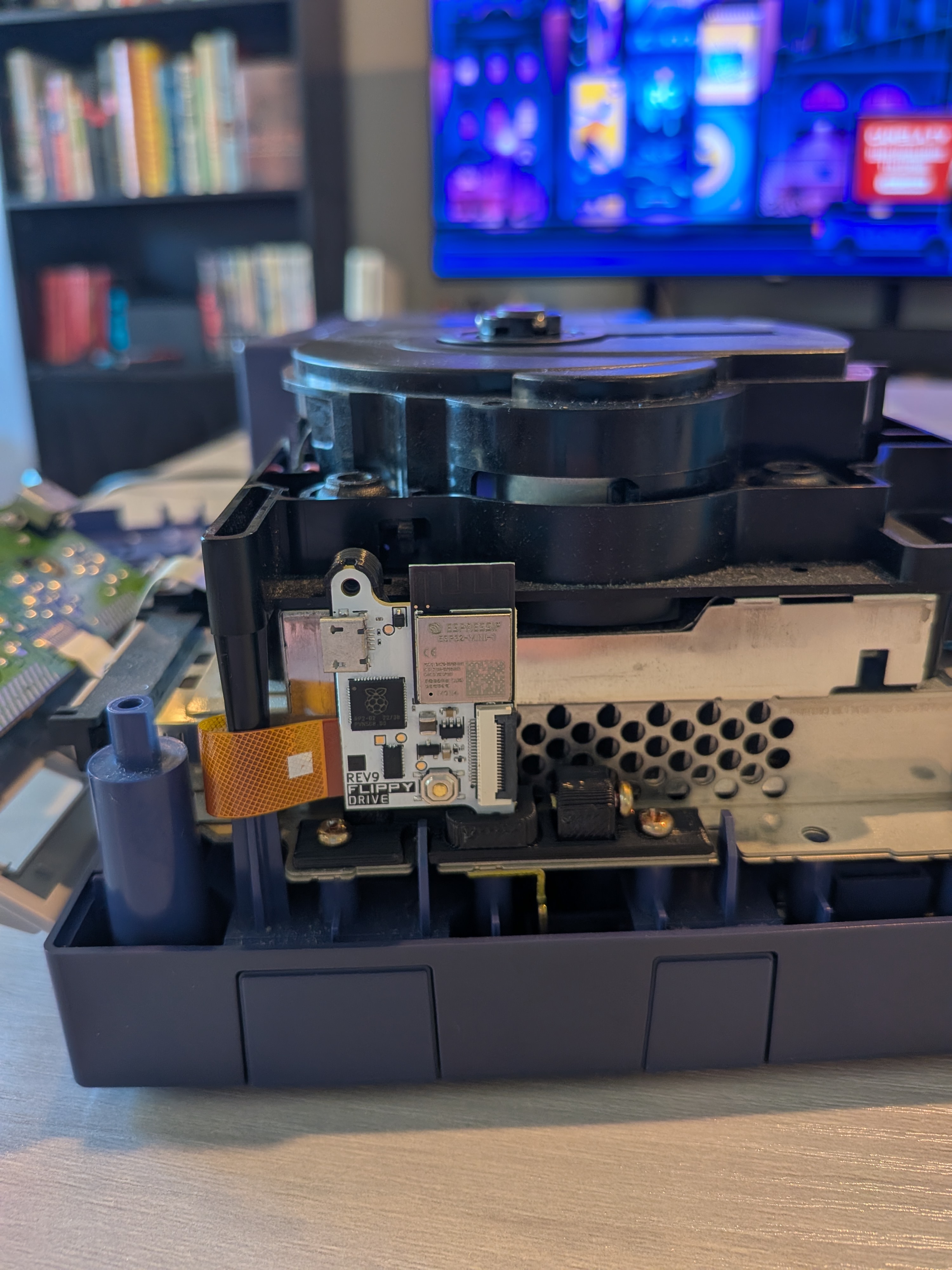
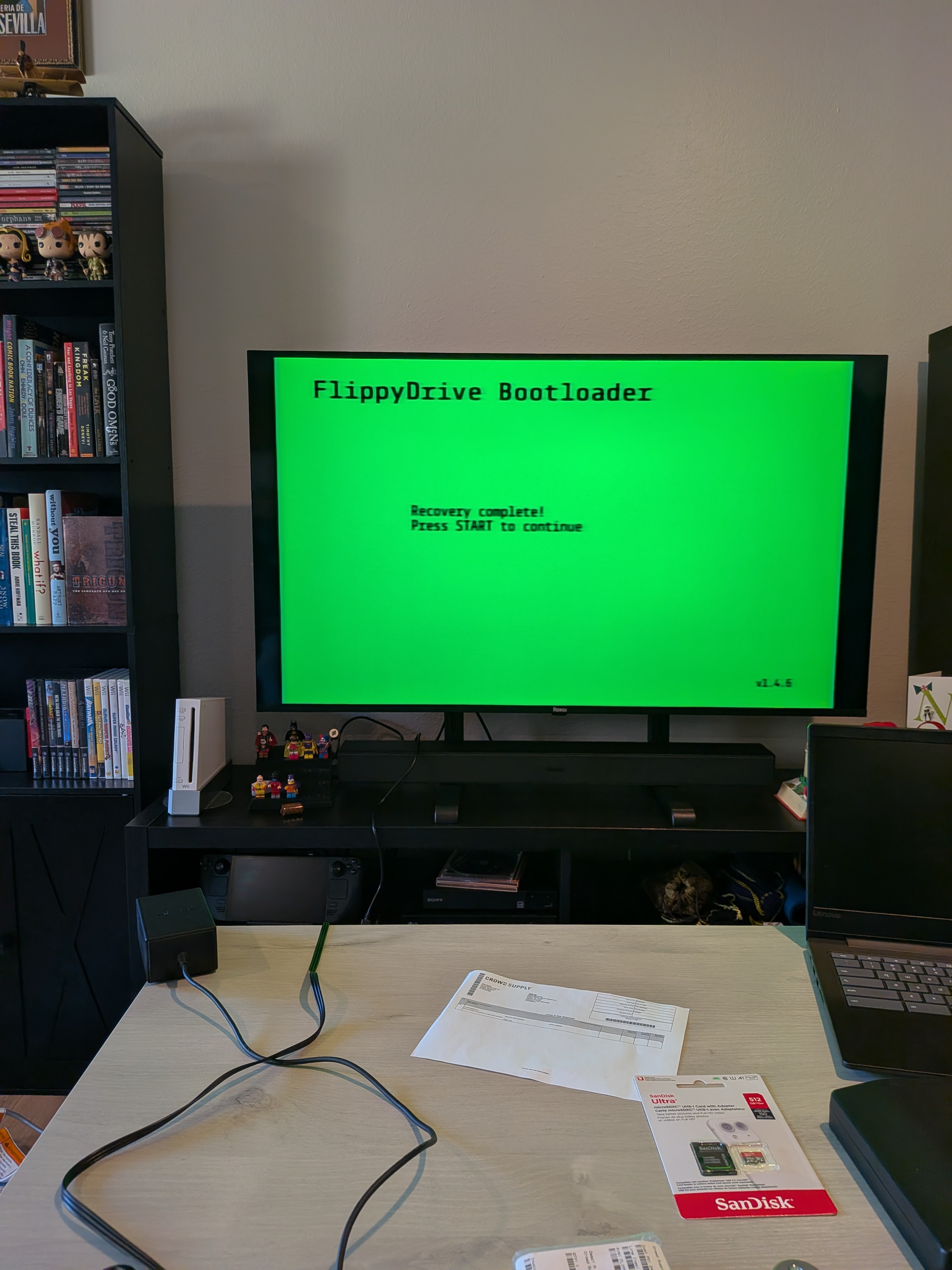
Info about the Flippy Drive
My first crowd funding drive!
My preorder experience (including delays and tariffs)
Click the pics to zoom! (I'll add this function once I nail the aesthetic 😅)
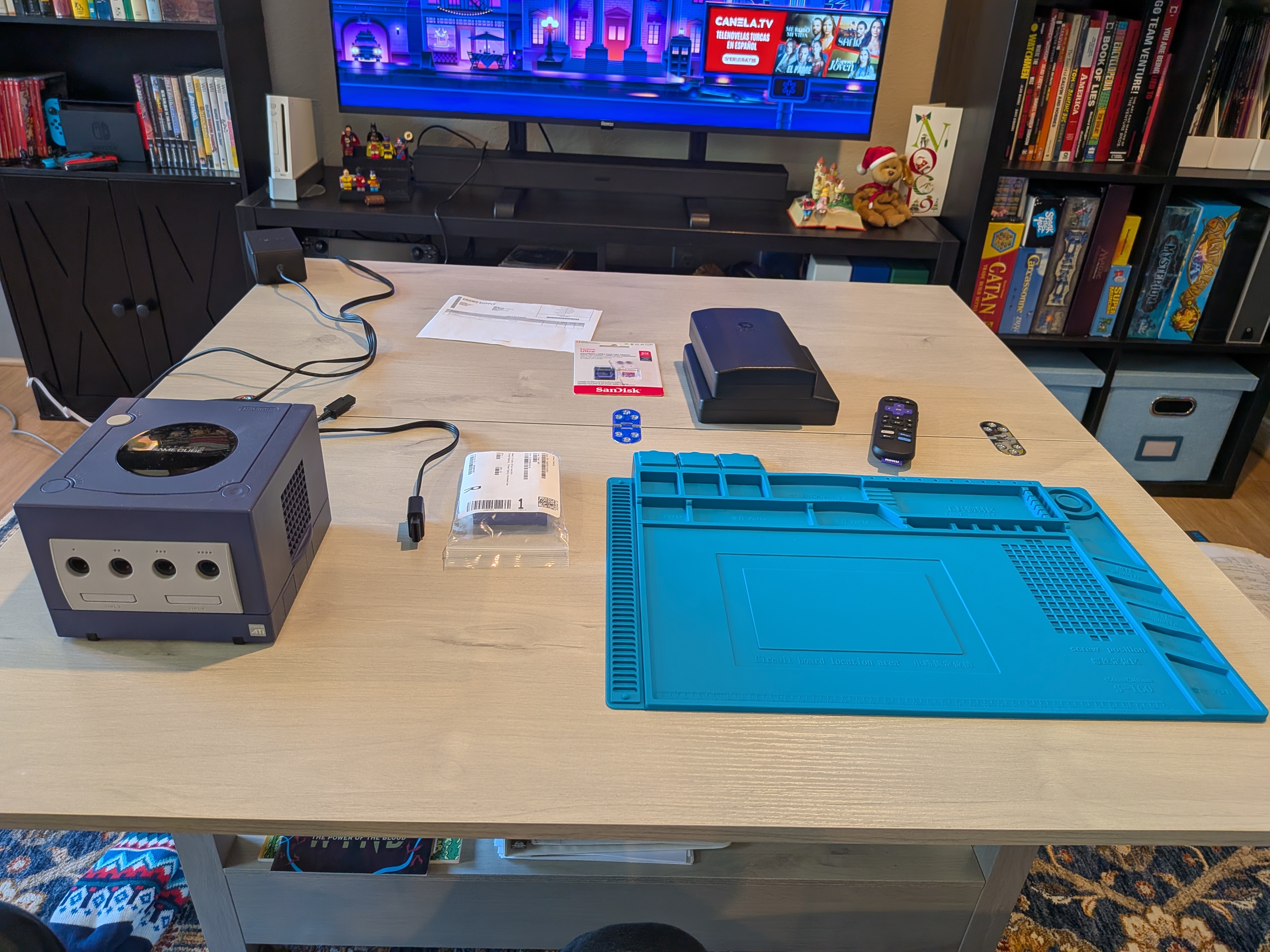
Before I began, I made sure to lay out my various tools while leaving space for the GameCube and its pieces. It's a good thing I did too! The guide I followed insisted that the GameCube's top cover is held on with Philips screws. But that did absolutely nothing. Maybe my release date model is different, but the top cover was held by a hex screw. Luckily I had just the bit to get it off...
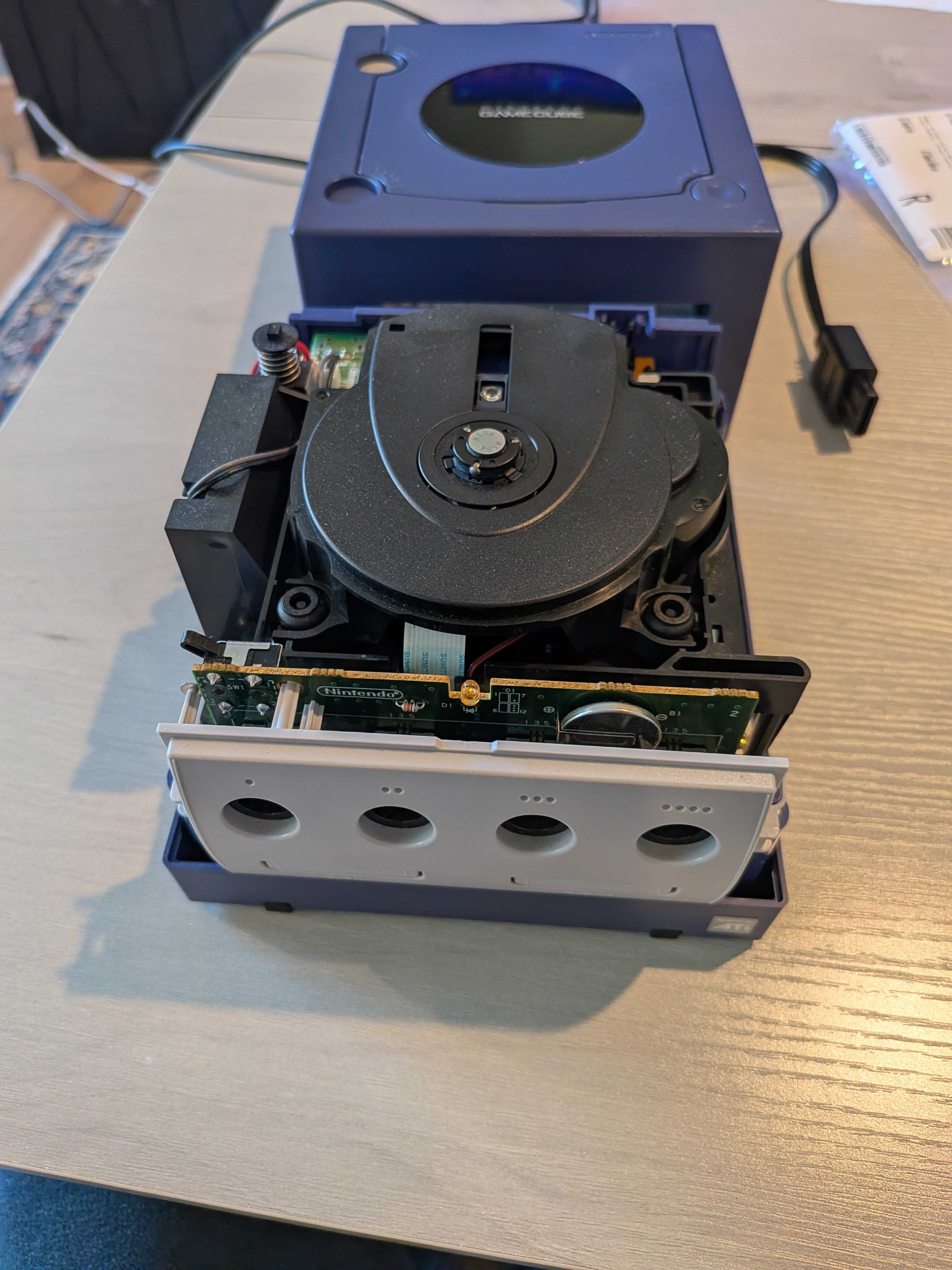
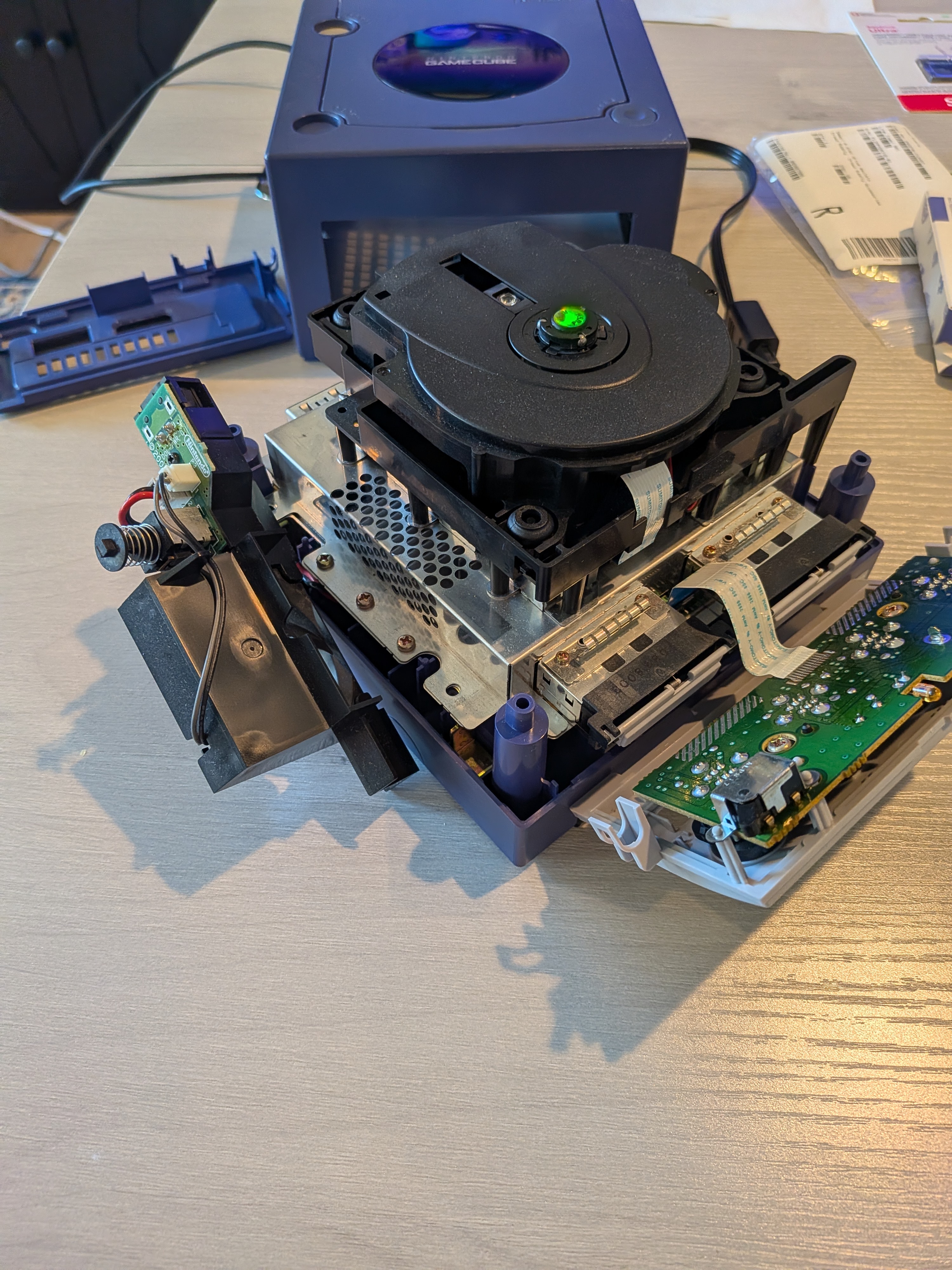
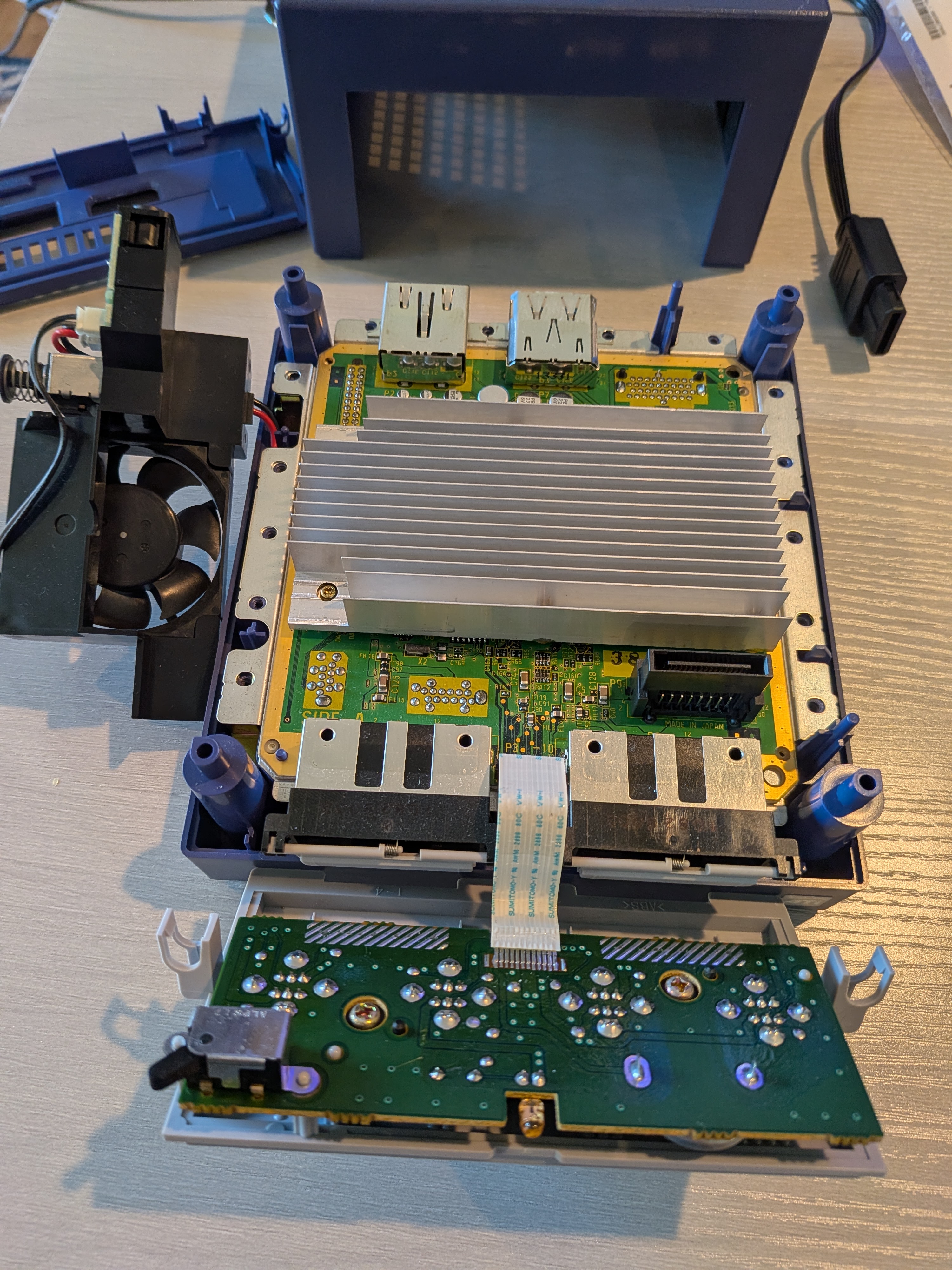
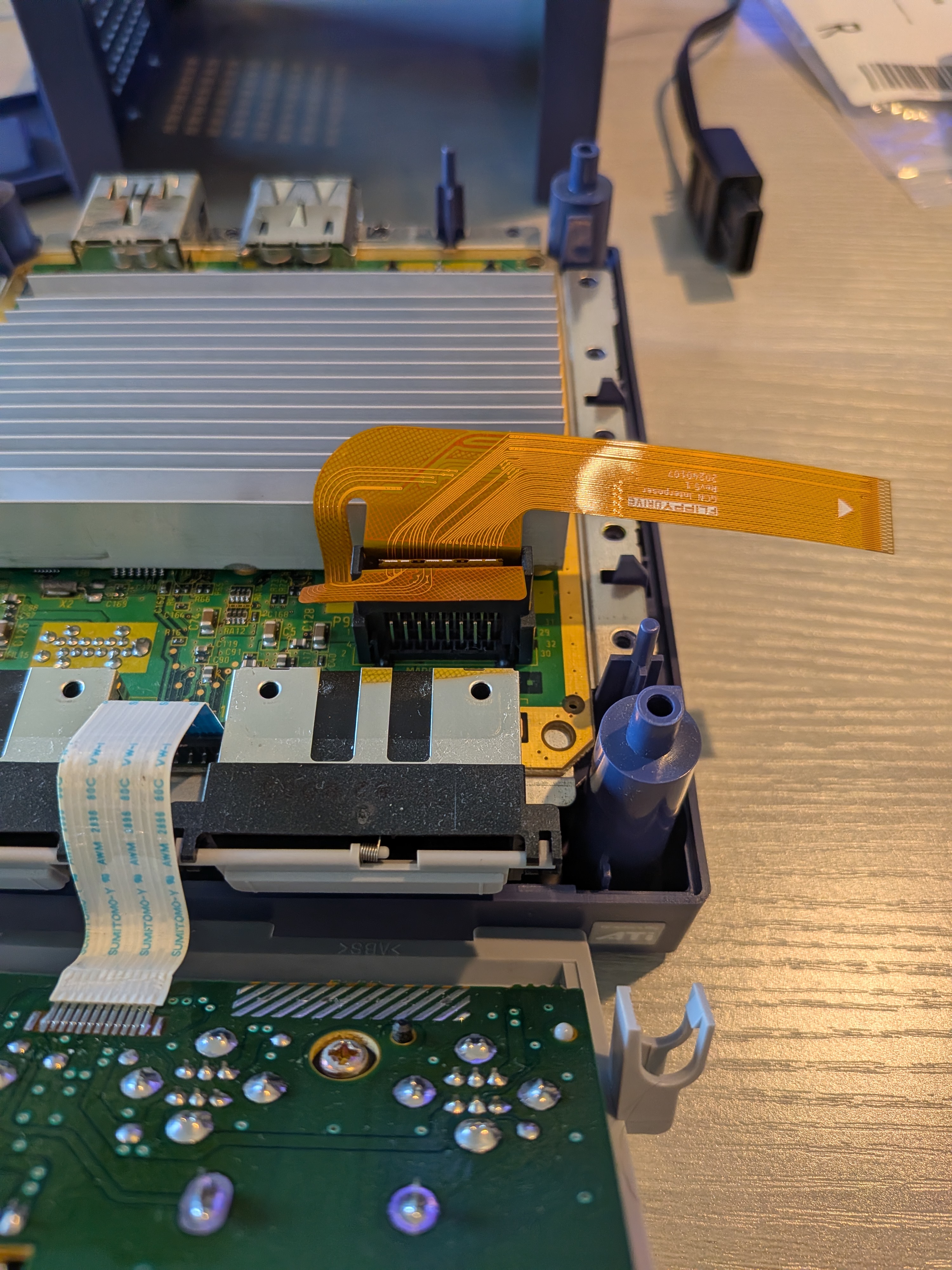
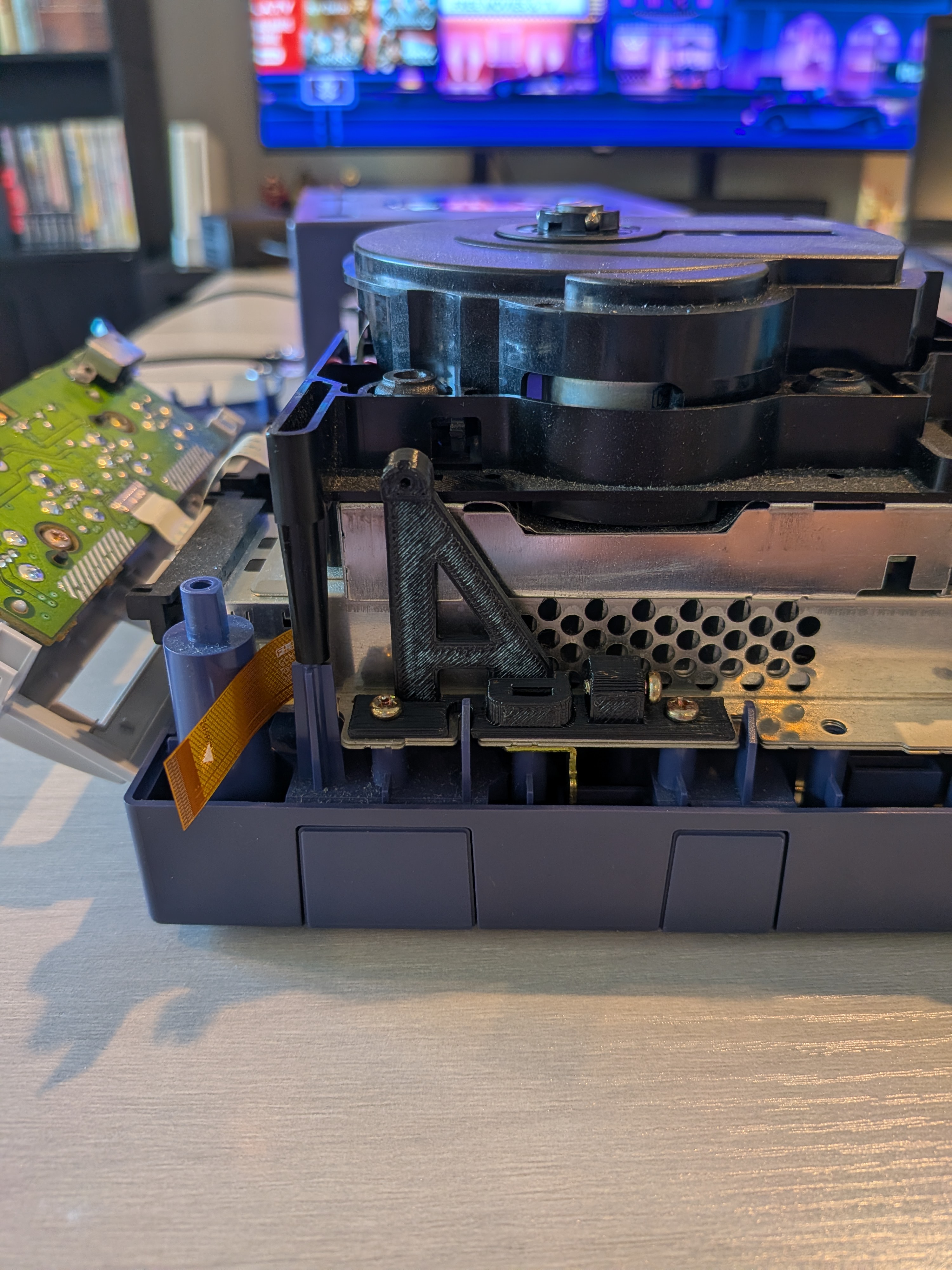
Pop that top! Immediately I encounter my frenemy - the busted optical drive. It has to be removed entirely to complete this install. So we loosened the input panels and let them hang slack, then removed approximately 150 screws to free up the optical drive. Pop it off and you see the heat sink right there. Pretty neat!
Here's how you can make bold and italic text.